

Gemini in Chrome on Android brings mobile agentic browsing much closer to mainstream consumer behavior. Google said on May 12, 2026 that the rollout supports Android 12 or higher devices with at least 4GB of RAM, and that sensitive actions still require confirmation. For commerce teams, the practical issue is whether mobile pages are structured well enough for an assistant to summarize, navigate, and help complete tasks without creating trust friction.
Gemini in Chrome on Android matters now because it moves mobile browsing toward a model where the browser can understand a page, connect to user context, and help perform tasks like updating orders or booking services. That changes how brands should think about mobile readiness. Pages now need to work not only for human fingers and short attention spans, but also for an assistant that interprets the flow and acts inside guardrails.
What shipped with Gemini in Chrome on Android?
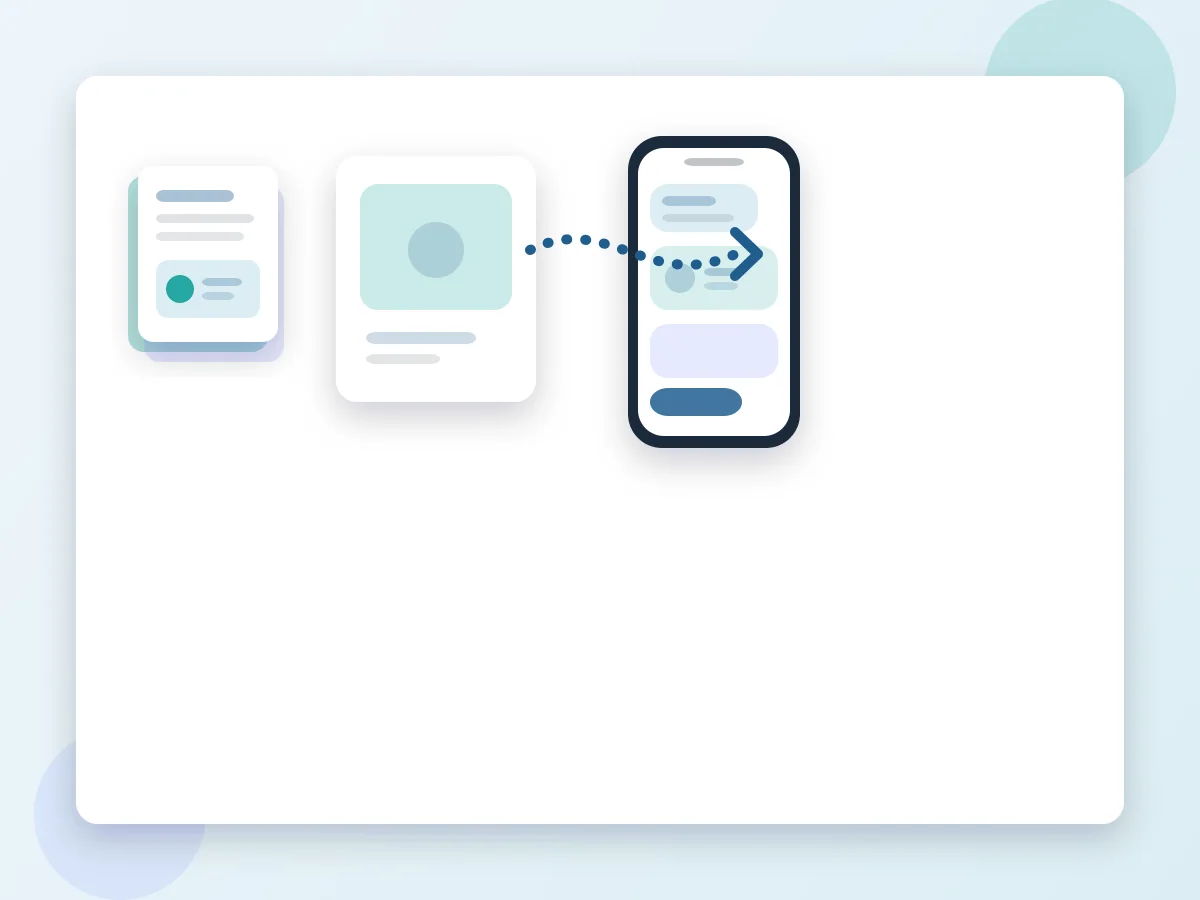
Google said Gemini in Chrome on Android can summarize pages, answer questions about the page in view, connect to Google apps for task support, and use auto browse to help with repetitive tasks. The launch examples included booking parking from event details and updating a Chewy order. Google also tied the broader Gemini Intelligence push to privacy controls, activity visibility, and confirmation-safe actions.
- Gemini in Chrome on Android (Definition)
- Gemini in Chrome on Android is Google's mobile browsing assistant inside Chrome that can understand page context, answer questions, connect with apps, and help automate limited multi-step tasks. It turns the browser into an agentic work surface rather than a passive content viewer.
The important design signal is that Google is pairing capability with safety language. The security post said Gemini only works where users allow it, that purchases require confirmation, and that Android will expose AI assistant activity more clearly. Teams working on AI agents, mobile commerce, or broader digital transformation should treat those controls as product cues, not just platform messaging.
Why does mobile agentic browsing matter for commerce teams?
Because commerce intent often begins or resolves on mobile, especially when a shopper is trying to finish a task quickly. If an assistant can summarize a page, carry context across apps, and move toward a booking or purchase, then checkout friction, vague product data, and unclear confirmations become more costly. A messy mobile flow will not only frustrate a human shopper. It can also confuse or stall the assistant that is helping them.
Google also said Android will show AI assistant activity history for the last 24 hours and keep visibility indicators present while Gemini is automating an app interface. That matters because users will expect the same clarity from brands. If the assistant can act, the user must still feel in control.
| Mobile journey layer | Old mobile assumption | Agentic browsing reality | Risk if ignored |
|---|---|---|---|
| Page reading | Users manually scan and compare | Assistant summarizes and extracts intent | Thin pages lose relevance quickly |
| Task flow | User taps through every step | Assistant can help move between steps | Broken flows create abandonment |
| Trust model | Visual polish signals safety | Clear confirmations and controls matter more | Users hesitate before completing action |
| Measurement | Mobile analytics focus on session behavior | Teams need to watch task completion and interruptions | Agentic friction stays hidden |
What should teams prepare before mobile agent traffic grows?
Start with the flows where a user wants help, not exploration. That includes booking, reorder, account updates, support requests, and compact checkout sequences. The best pages expose clear action labels, consistent field logic, strong mobile performance, and visible confirmation steps. Brands should also reduce unnecessary interstitials and avoid ambiguous buttons that depend on guesswork.
- Audit the top mobile journeys for booking, reorder, support, and checkout to remove confusing branches and duplicate prompts.
- Make every key action state obvious so an assistant and a user can both tell whether the next step is review, edit, confirm, or pay.
- Strengthen trust signals such as policy clarity, visible confirmation screens, and error states that explain what happened and what to do next.
- Review structured product and service content so mobile pages explain pricing, availability, and constraints without requiring multiple extra taps.
- Track where mobile users or assistants appear to pause, repeat, or back out, then prioritize those points for redesign first.
Why do confirmation steps matter more now?
Because Google is explicitly teaching users that sensitive actions should require confirmation. If a brand flow skips that clarity, it will feel less trustworthy than the platform the user is relying on.
What trust and measurement signals matter first?
Measure mobile completion rate, interruption rate, error recovery, and time to confirmation for your most valuable actions. Those numbers matter more than broad pageview growth if agentic browsing starts pushing users into decision-ready flows. Also watch where users exit after a handoff from product detail to cart, from support prompt to account flow, or from quote to booking.
The platform pattern is becoming clearer: assistants will help users faster, but platforms will insist on control, transparency, and protected data. Brands that mirror that approach on their own pages will be easier to trust and easier to complete. OG Marka recommends treating Gemini in Chrome on Android as a prompt to improve mobile task design now, especially for teams combining AI agents, mobile commerce, and digital growth.
