
Multimodal RAG is becoming more practical for business teams because retrieval can now search text and images with clearer evidence. Google's May 5, 2026 update added multimodal support, custom metadata, and page-level citations to Gemini File Search. That helps CRM, ERP, and service teams build agents that answer from business records instead of loose prompt memory.
Multimodal RAG matters because most business knowledge is not stored in clean plain text.
Product images, PDFs, screenshots, SOP diagrams, and pricing sheets all contain information that operators expect an assistant to understand. If retrieval ignores the visual layer, the agent often answers from partial context. The better move is to build a grounded system that can search mixed data, filter by metadata, and show where the answer came from.
What changed in multimodal RAG on May 5?
Google said Gemini API File Search now supports multimodal retrieval, custom metadata, and page-level citations.
That sounds technical, but the business impact is direct. Teams can now store mixed content, search it with more precision, and inspect citations with less guesswork. The official docs also clarify the economics: storage is free, query-time embeddings are free, and you mainly pay for indexing plus normal model tokens.
The official File Search docs add useful operational limits too. Google recommends keeping each store under 20 GB for optimal retrieval latency and supports files up to 100 MB each. Those limits encourage design discipline. Instead of one giant knowledge dump, teams should create smaller, purpose-built stores for product, policy, sales, or support workflows. That design choice usually improves precision faster than endlessly rewriting prompts.
- Multimodal RAG (Definition)
- Multimodal RAG is a retrieval system that grounds an AI model using more than text alone, such as images, diagrams, PDFs, and tagged files. The value is simple: the model can answer from the same mixed evidence a business team already uses.
Google's examples show why this matters. One quoted developer said multimodal retrieval helped reclaim more than half of an agent's context window by finding the exact diagram or visual reference needed instead of stuffing large documents into every request. That is a useful operator lesson: better retrieval often beats bigger prompts.
Why does multimodal RAG matter for CRM and ERP teams?
CRM and ERP questions are rarely simple. A rep may need the right price sheet, a warehouse photo, a return policy PDF, and the latest escalation rule in one interaction.
A service lead may need installation images, warranty rules, and ticket notes. Plain-text RAG systems often break down when key evidence sits inside visuals or poorly labeled documents.
| Retrieval model | Strength | Weakness | Best use |
|---|---|---|---|
| Keyword or plain-text RAG | Fast for clean text documents | Misses visual evidence and weak file labeling | Basic policy and FAQ lookup |
| Multimodal RAG with metadata | Searches text plus images and narrows by tags | Needs disciplined document structure and tagging | Catalog support, SOP assistants, CRM and ERP knowledge workflows |
| Prompt-only agent | Easy to demo | Hallucinates and ages badly as knowledge changes | Early prototypes only |
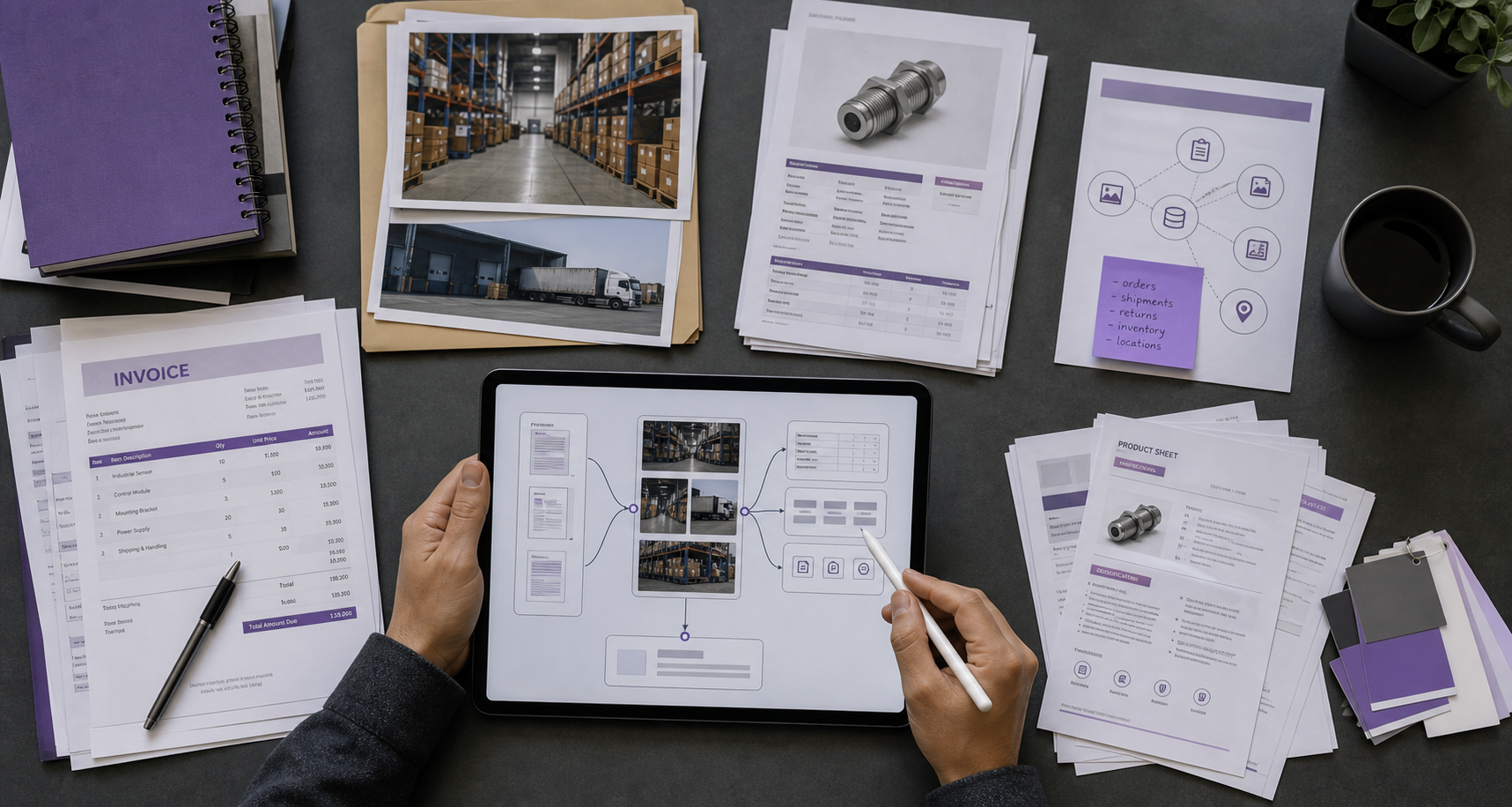
The Indian operating context makes this even more relevant. Teams often work across WhatsApp images, PDF quotations, Excel exports, scanned documents, and inconsistent folder structures. That is exactly the kind of environment where a multimodal system can help, but only if the business adds metadata and ownership rules instead of expecting magic from the model.
Good multimodal RAG also improves trust. When an assistant can point back to the exact page or file segment it used, managers can debug wrong answers faster. That makes the system easier to govern, especially when the agent touches pricing, fulfillment, support promises, or internal process guidance.
What should the first knowledge store include?
Start with a narrow checklist: one workflow, one owner, one document set, and one test group. That framework keeps the system honest. We recommend beginning with files that already drive repeated questions, such as returns rules, onboarding SOPs, or product-support material. A smaller store with better tags usually beats a giant archive with weak ownership.
How should teams design a verifiable multimodal RAG system?
First, split the knowledge base by job to be done. Product content, returns policy, onboarding SOPs, and finance rules should not live in one mixed bucket.
Second, add metadata that reflects real business filters such as department, product line, region, status, and effective date. Third, force every answer surface to show citations or evidence snippets where possible.
That is where OG Marka's AI agents and ERP integration services fit well.

The hard part is usually not model access. It is turning messy operating artifacts into a system with ownership, tagging, and retrieval boundaries that a business can trust. That is an implementation problem, not only a model problem.
What should the next 30 days look like?
- Pick one narrow workflow, such as product-support answers or returns-policy lookup, instead of trying to ground the entire business at once.
- Separate the source files into a small store and label them with metadata like owner, product line, status, and date.
- Test answers against real business questions and inspect citations to find missing files, poor tags, or ambiguous documents.
- Only after retrieval quality is stable should you connect the assistant to a wider workflow such as CRM follow-up, service triage, or ERP lookups.
Multimodal RAG should be treated as an operations design project, not only a model feature. The teams that get value fastest are the ones that scope narrowly, tag aggressively, and insist on evidence. That is how internal agents become useful enough to trust in revenue and service workflows.